

From the workshop · App
Ordered a PC from us and wondering how far along it is? With the PCHM Companion App you don't have to guess: you can watch live as your PC is built and tested, including photos of your build. Free with every PCHM PC and nothing to install.
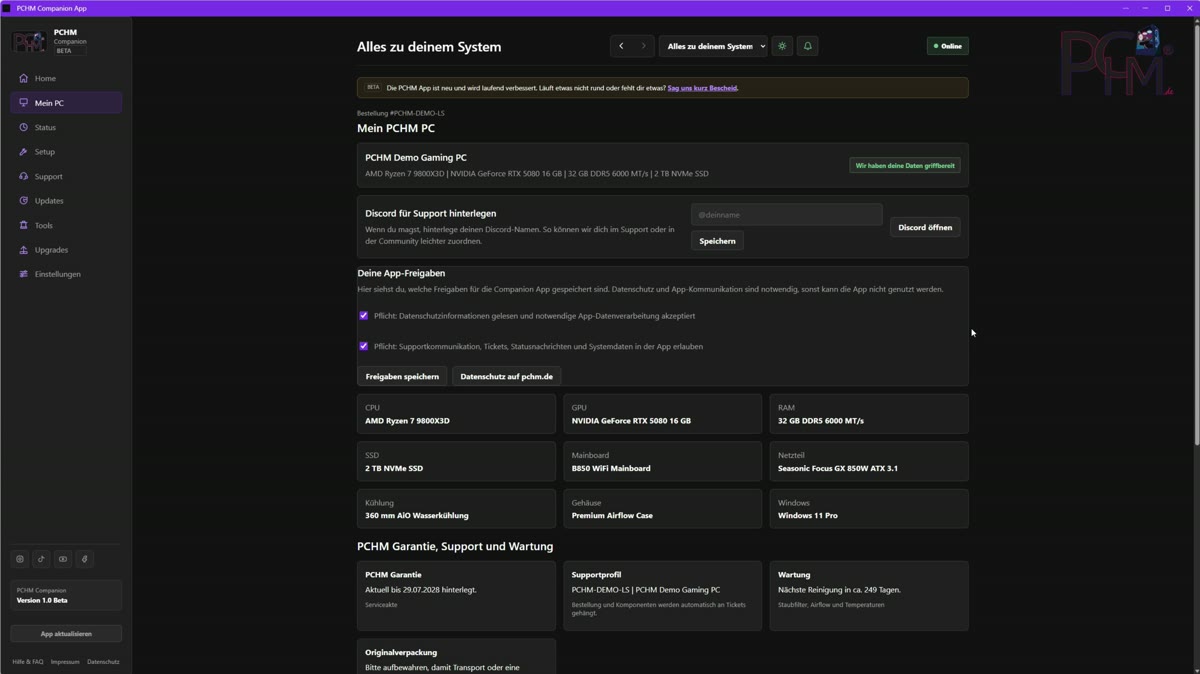
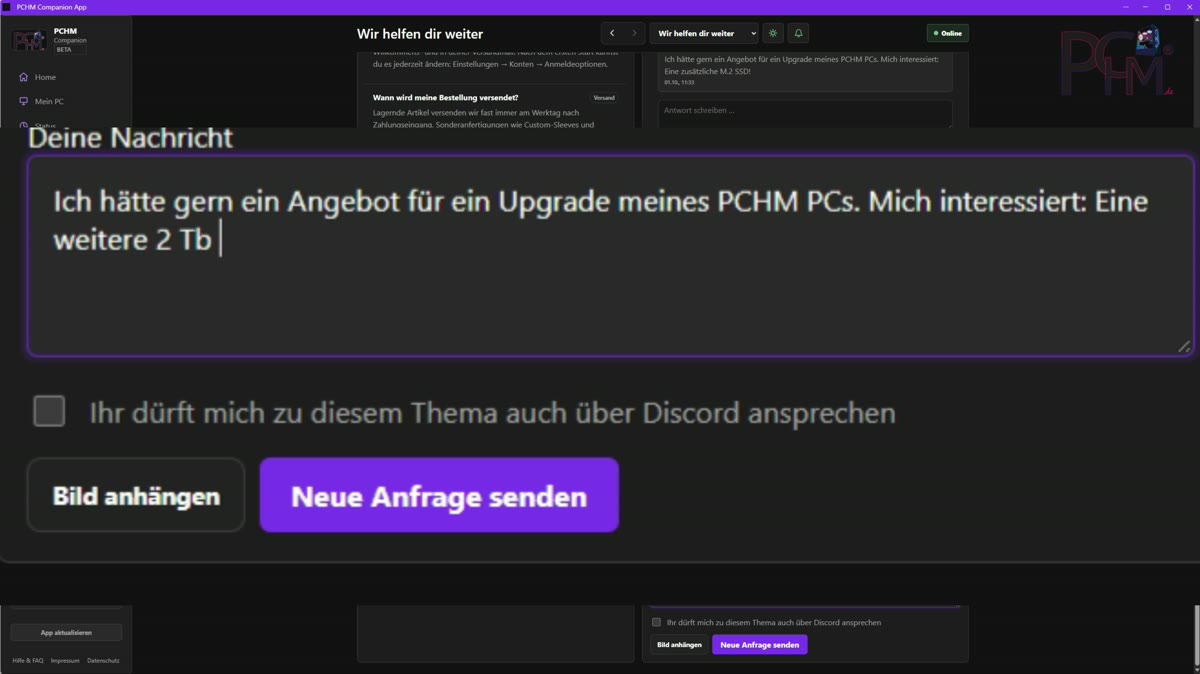
What the app does
- Live build status: assembly, Windows and drivers, stress tests, quality control and shipping, with photos of your build.
- Setup assistant: from unboxing to your first game, step by step.
- Your PC in detail: components, quality-check report, warranty and documents such as your invoice in one place.
- Support without the queue: tickets right in the app, with your configuration and order already attached.
- Update notes: BIOS, driver and Windows notes matched to your hardware and checked by us.
- Tracking and notifications: shipment tracking and push notifications for key status changes, and you choose which ones you get.
Try it without ordering
You can preview what your own order will look like: our app page has a demo with a sample order. Click through the steps and tabs, no sign-in required.
How to get in
- Order a PC from PCHM. You'll then receive your personal app access in a separate email.
- Open the app via the link in that email or at app.pchm.de.
- Link your PC with the email address from your order and your app code.
- Done. From now on you'll see build status, tracking, setup help and support.
Häufige Fragen
How much does the Companion App cost?
Nothing. It's free for PCHM customers.
Who gets an app code?
Everyone who orders a PC from us, via a separate email. You can use the in-app FAQ without signing in.
Do I need to install anything?
No. The app runs in your browser; adding it to your home screen is optional.
What data does the app use?
Only data about your order and your system. You can see which permissions are stored at any time under “Privacy & permissions” in the app.
Screenshots and workshop films: PCHM. All features and details at pchm.de/Companion-App. As of November 2026.